In progress2026
CampusVal
Academic planning for Santa Clara University students — quarter plans, Core tracking, and answers grounded in SCU policy.
Live · in development · not an official SCU system
- year
- 2026
- role
- Software Engineer
- status
- In progress
01what it is
What it does.
Four surfaces: an editable long-term Degree Plan, an independent Tentative plan for a second scenario, a Quarter Plan where actual sections are chosen, and the student's own uploaded Workday Academic Progress Report, shown as exported and never modified. Requires an @scu.edu account.
CampusVal does not register students, declare majors, certify graduation or replace Workday or an advisor, and its interface says so throughout. Course offerings are graded by evidence — published, tentative, projected or unknown — and inferred data is labelled as inferred.
02the product
The live product.
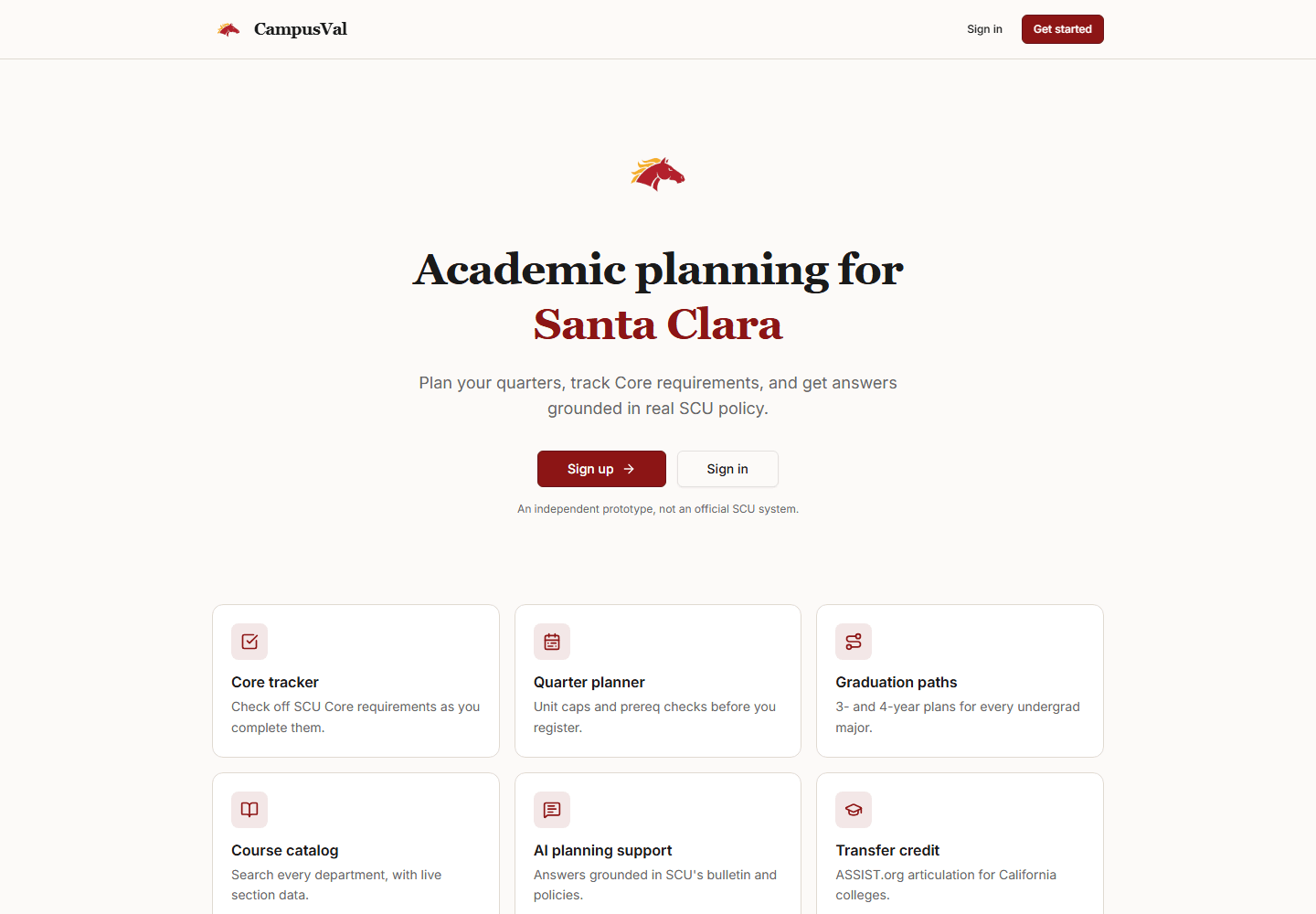
The front door. The landing page states the boundary before anything else: an independent prototype, not an official SCU system. Nothing behind sign-in is shown here.
03engineering
How it is built.
A pnpm monorepo with a React frontend, an Express API, PostgreSQL through Drizzle, Clerk authentication and a Playwright suite. The progress-report reader is a geometric table parser validated row-for-row against a real export.
- React
- TypeScript
- Express
- PostgreSQL
- Drizzle ORM
- Clerk
- Playwright
04where it stands
Still being built.
In development, with the production deployment used for ongoing work. Shown here only through its public landing page.
more projects
- PreHealth AdvisorIn progressA prerequisite course planner for Santa Clara students aiming at health-professions programs.
- PreLaw AdvisorIn progressLaw-school research and application planning built from official disclosures — every figure names its source and year.
- Pelagio DefenseIn progressMaritime data software built on public ocean, weather and seafloor sources, with provenance kept on every value.